Suno brings MIDI uploads to its main AI song-creation page
Pro subscribers can now turn .mid files into new songs in Create, extending a workflow previously centred on Studio 2.0.
Ledger: AdoptedAI is taken up
Suno has added MIDI-file uploads to its Create page, allowing Pro and Premier subscribers to begin an AI-generated song from a pre-written musical part rather than a text prompt or audio file.
The feature, announced Nov. 4, accepts static .mid and .midi files. Users can drag a file onto Create or select MIDI through the plus menu, then pair it with natural-language instructions. They can ask Suno to reproduce the notes, extend a motif into new material or recast it with different instruments.
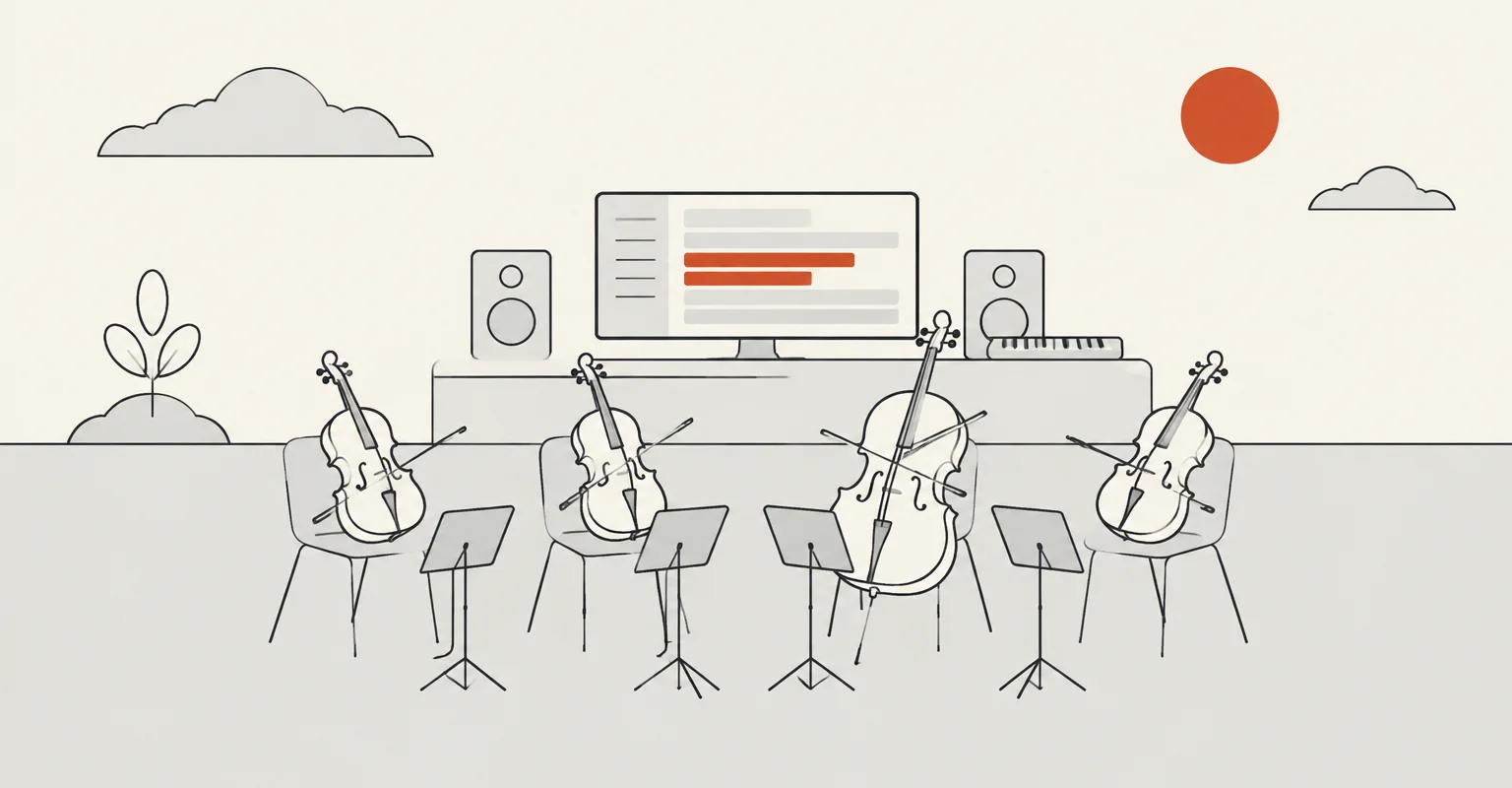
MIDI carries musical instructions rather than audible sound, including notes, rhythm and expression. Suno said that made it a more precise creative starting point: a composer can retain a melody or chord progression while changing its instrumental treatment, such as rendering a synth line as a string-quartet part.
A MIDI file can hold up to 16 channels of pitch and timing information, with as many as 120 controller lanes per channel for controls including modulation, volume and sustain. Suno positioned the new input as a way for users to import work-in-progress scores, revisit material from older sessions or audition compositions while they are still being developed.
The workflow differs from Create’s Remix and Cover modes, which adapt uploaded WAV or MP3 recordings. Those files contain an existing sound, whereas MIDI specifies the performance without preserving the timbre or articulations of a particular instrument. Suno is presenting Create as a route to fuller instrumental output without the specialist programming, virtual-instrument libraries and production work that raw MIDI can otherwise require.
At launch, MIDI in Create works in Simple Create mode with v6-wild, Suno’s more exploratory and less predictable counterpart to its flagship v6 model. The company said it planned to expand the MIDI capability over time.
As we covered in August, Studio 2.0 had already introduced timeline-based MIDI importing, recording and editing for Premier subscribers. The Create addition brings a separate MIDI-led generation path to Pro subscribers as well, while Studio remains the browser-based environment for editing MIDI and using clips as prompts for new audio.